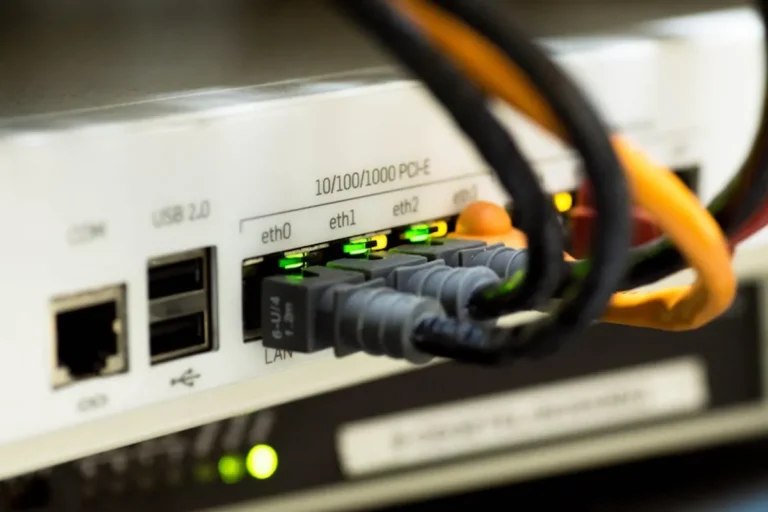
How to Reset a Router and Set It Up Again
Learn how to reset your router, distinguishing between a power cycle and a factory reset, and follow step-by-step instructions for reconfiguring it…
Page 57 of 58 687 articles total
Learn how to reset your router, distinguishing between a power cycle and a factory reset, and follow step-by-step instructions for reconfiguring it…
Learn how to fix a router login page that won't open with this step-by-step tutorial covering physical checks, browser fixes, network configurations,…
Secure your home or office network by understanding default router usernames and passwords, then immediately changing these critical credentials for enhanced.
This guide details common router admin IP addresses and practical methods for locating and accessing your network's default gateway for configuration.
Learn how to change your WiFi password on any router with this step-by-step tutorial, enhancing network security and performance.
Understand the LPB Piso WiFi Pause Time Login system, how it functions for users and operators, and its commercial implications for managing…
Gain full control over your Globe at Home router settings by understanding the admin login process, managing Wi-Fi, and enhancing network security.
This guide details the essential steps for logging into and setting up an LPB Piso WiFi unit, focusing on operational efficiency and…
Learn how to access your router's admin panel using the common 192.168.1.1 IP address, covering essential login steps, troubleshooting, and security measures.
Access 10.0.0.2 to manage essential router settings like Wi-Fi security, port forwarding, and firmware updates.
Learn how to access your router's administrative interface using the 10.0.0.1 IP address, troubleshoot common issues, and secure your network.
Access your router's critical settings by understanding common admin IP addresses and default gateway logins.